
Alleghany County Court Dockets
A docket is the court's running list of case events. In Alleghany County, docket information may show a hearing date, hearing type, case number, party name, courtroom, judicial officer, filing event, continuance, order entry, payment event, or disposition. It is a map of the case, not always the whole case. The full court record can include complaints, indictments, motions, signed orders, judgments, exhibits, and paper documents that do not appear as public downloads.
North Carolina divides trial work between Superior Court and District Court. In Alleghany County, Superior Court handles felony criminal matters, higher civil cases, jury trials, caveats, and other superior-level proceedings. District Court handles misdemeanors, infractions, traffic, domestic cases, juvenile matters, small claims through magistrates, and lower civil cases. The docket source depends on the court division and the type of setting, but the public search path now starts with eCourts and the NC Judicial Branch county page.
Find Alleghany County Court Dockets Online
The main online tools are the NC eCourts Portal, Smart Search, and Search Hearings. The Alleghany County NC Courts page also links court-date search and county services. Search Hearings is the more direct route for court dates, while Smart Search is useful when a user needs the case record first. The Portal requires browser features such as JavaScript and cookies, and it may require CAPTCHA checks during use.
- Open the eCourts Portal and choose Search Hearings when the goal is a court date or docket setting.
- Select Alleghany County in the location field, then choose a hearing type such as Civil, Criminal, Family, Probate, or Mental Health if the Portal requires it.
- Choose the search type, such as case number, party name, business name, attorney name, attorney bar number, judicial officer, or courtroom.
- Enter the matching name or number, then review the returned hearing date, case reference, courtroom, and event information.
- Call the Clerk of Superior Court if the online result is unclear, if a file was paper-only at go-live, or if a certified record is needed.
Alleghany County Docket Search Fields
The Search Hearings screen captured in research showed fields built for court-date lookup. A docket search can fail if the wrong location or search type is selected, so it helps to test more than one path. A case-number search is usually more exact. A party-name search is useful when the number is not known. Attorney and judicial-officer searches can help when tracking a session or calendar rather than one person's case.
| Field Label | Type | Required | Options / Format Notes |
|---|---|---|---|
| Select Location | Dropdown or multi-select | Yes | Choose Alleghany County or All Locations when a wider search is needed. |
| Select Hearing Types | Dropdown or multi-select | Yes | Visible choices include Civil, Criminal, Family, Probate, and Mental Health. |
| Select Search Types | Dropdown | Yes | Case number, party name, business name, attorney name, attorney bar number, judicial officer, or courtroom. |
| Sounds Like | Checkbox | Optional | Can help with spelling variants in a name search. |
| Last, First, Middle Name | Text | Conditional | Used for party-name searches. |
| Judicial Officer | Dropdown or search | Conditional | Used when searching a judge's calendar or hearing assignments. |
Alleghany County Docket Entries
The research did not capture a live sample docket entry because the Portal requires interactive browser use. The fields below are a cautious inventory based on the hearing and court-record fields confirmed in the research file. Do not assume that every public result will include document images or every internal court field. Some entries only show that an event occurred, while the underlying document must be requested from the Clerk of Superior Court.
| Field | What It Shows |
|---|---|
| Case Number | The number used to connect a hearing, docket event, payment issue, or paper file request. |
| Hearing Date | The scheduled date for a motion, trial, first appearance, traffic setting, estate matter, or other court event. |
| Hearing Type | The general category, such as civil, criminal, family, probate, or mental health. |
| Party Name | The person, business, or litigant tied to the case or setting. |
| Judicial Officer | The judge or officer assigned when that data is public and available. |
| Disposition or Status | The current case outcome or progress marker when shown. |
Alleghany County Courts With Dockets
The court hierarchy affects where docket events originate. Alleghany County is assigned to Prosecutorial District 34, Superior Court District 34, and District Court District 34. The courthouse in Sparta is the local state court location. The same county page links calendars, services, local rules, forms, payment information, and the court contact directory, so it is a practical starting point when the Portal does not answer a scheduling question.
- Superior Court dockets can include felony criminal settings, civil jury matters, higher civil actions, caveats, and superior-level proceedings.
- District Court dockets can include misdemeanors, infractions, traffic cases, domestic matters, juvenile matters, and lower civil cases.
- Small Claims Court matters are part of District Court and are heard by magistrates without a jury.
- Magistrate-related events can affect initial appearances, release conditions, small claims, summary ejectments, warrants, and civil marriage ceremonies.
- The Clerk of Superior Court keeps court records and is the fallback for paper calendars, case files, and certified copies.
The Track 9 transition source describes the timeline that moved Alleghany County into eCourts.
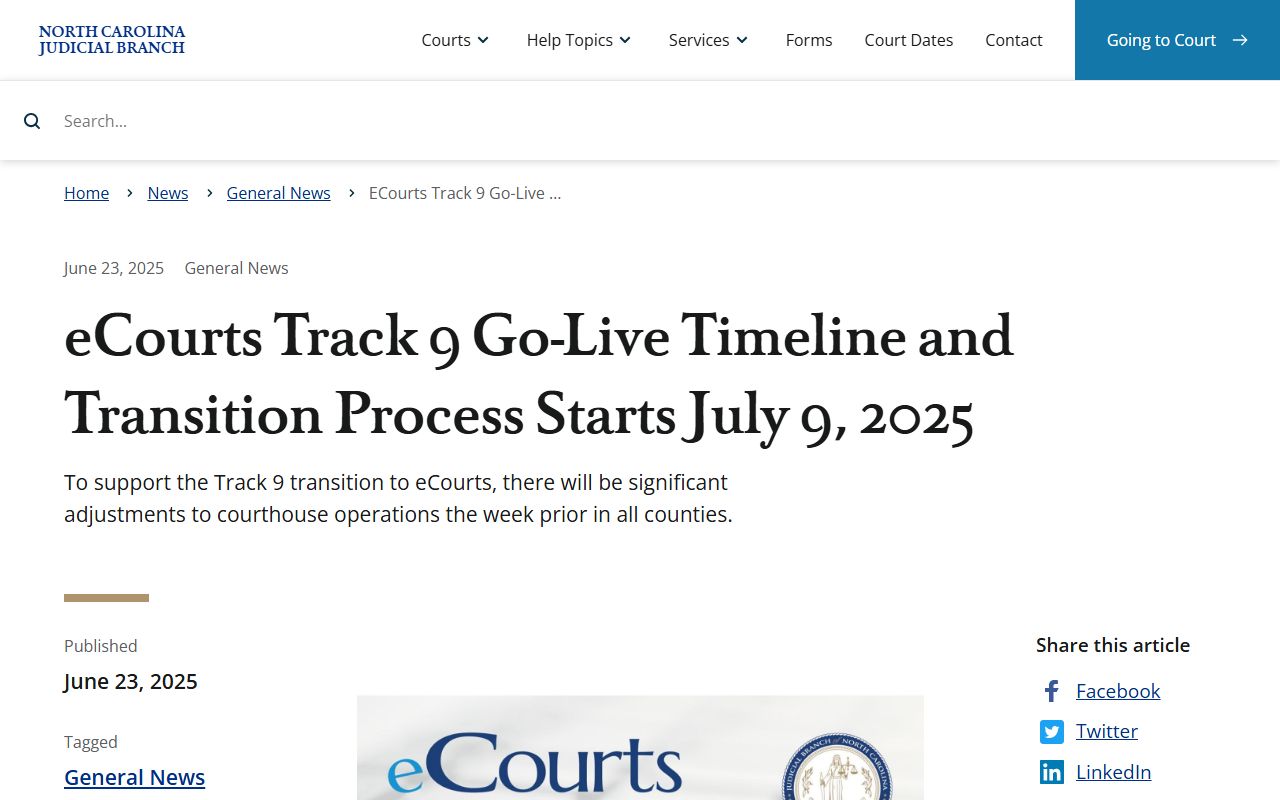
That transition explains why a current docket search may be online while older paper documents still require clerk contact.
Alleghany County Dockets vs Records
A docket is best for tracking a case. It tells a user what has been scheduled or entered. The full case record is broader. It can include pleadings, exhibits, orders, judgments, notices, payment ledgers, and signed documents. A person checking a date may only need the docket. A person filing an appeal, proving a judgment, checking a criminal disposition, or using a record for an official purpose may need the full Alleghany County court record or a certified clerk copy.
| Docket | Full Case Record | |
|---|---|---|
| Format | Event list, calendar, and schedule data | Case file, pleadings, orders, judgments, and docket entries |
| Best Use | Checking court dates and case progress | Reviewing the legal record or requesting certified proof |
| Access Route | Search Hearings, Smart Search, and clerk calendars | Portal, public terminal, paper file, or clerk copy request |
| Limits | May not include document text | May include restricted or paper-only items not public online |
eCourts Changes for Alleghany County Dockets
Alleghany County went live in eCourts on July 21, 2025 with other Track 9 counties. The Judicial Branch announcement said eCourts brought eFiling, Portal, and Enterprise Justice or Odyssey to the group. The transition notice said legacy systems would be decommissioned for inquiry and update after go-live, while existing paper documents would remain available in paper at the clerk's office. For docket users, that means current search habits should be Portal-first, but older files may still require direct courthouse contact.
The eCourts live announcement source confirms Alleghany County's Track 9 launch date and statewide technology context.
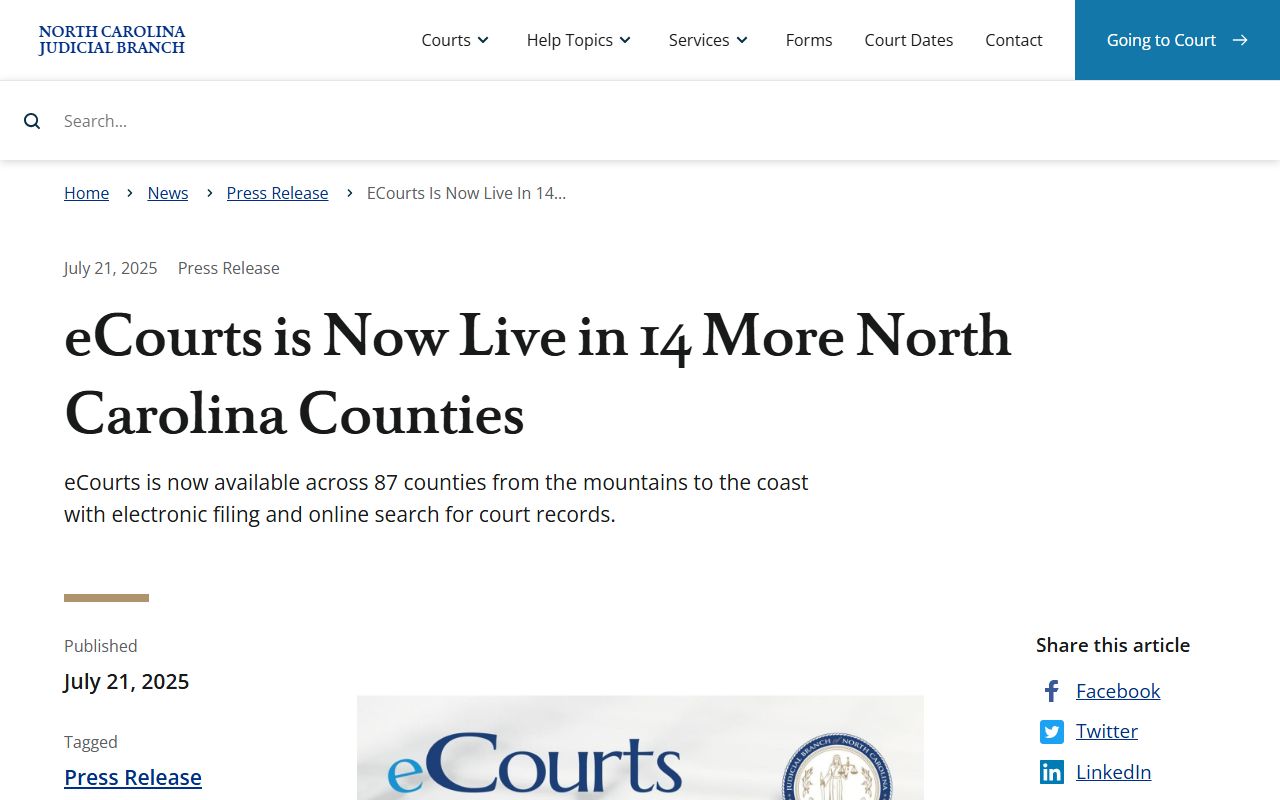
That launch did not erase the need for the clerk's office, especially where paper court documents existed before the conversion.
Read Alleghany County Dockets
Several terms appear often. A hearing is a scheduled court event. A continuance is a postponed setting. A disposition is the outcome of a charge, claim, or case. A judgment is a final or enforceable court decision. A motion is a request for a court order. A docket can show these events without showing the full text of the motion or order. When the meaning of an entry affects rights, deadlines, bond, sentence, payment, or appeal time, verify it with the clerk or an attorney.
For local help, the Clerk of Superior Court is listed at 336-372-3900. The court contact directory also lists District Attorney at 336-372-3910 and magistrates at 336-372-4911. Those numbers serve different roles. The clerk handles court records and copy channels. The district attorney handles prosecution. Magistrates handle initial appearances, release conditions, small claims, summary ejectments, and warrant-related duties where allowed by law.
Note: A docket date can change, so confirm close to the hearing when travel, bond, or missed-court consequences matter.